Column Autofit in Excel using macro
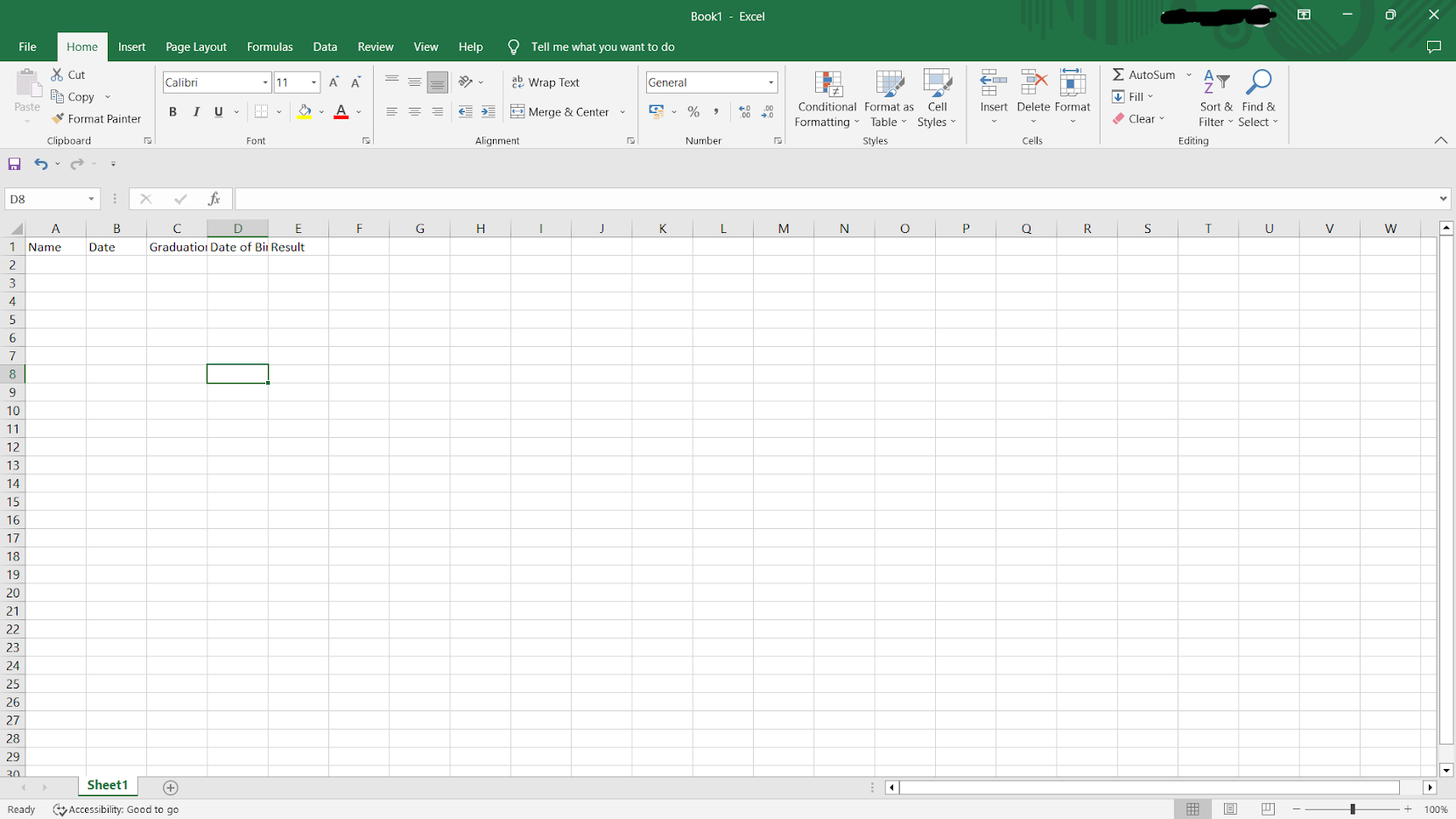
Hello dudes! Did you ever feel irritated by resizing each column in Excel?👀 Don't worry this post is to solve your problem! Yess this post is about "How to enable column auto-resizing feature in excel using a single line macro (VBA)" Language : VBA Before resizing Size of column is not consistent with text Whenever the above problem arises we will be manually adjusting the column right? . But hereafter it wont be the case! Steps to enable column autofit feature: Step 1: - Right click on sheet name and select View Code Step 2 : - After getting this window click on the drop-down menu and select Worksheet (which means this code is applicable only for this specific sheet) - First and last line of the code will be generated automatically , so our work is to type " Cells.EntireColumn.Autofit " - Click on to excel icon on left corner (which brings you back to sheets) - Haan Done! - This code not only resize the columns as per existing data, but the resizing operat...


